Getting Started
For a complete walkthrough of the Journey Management Portal, please refer to the interactive demo below. Click Start Demo to begin and follow the guided steps to explore the portal's features
Use any basic web browser client (such as Google Chrome, Firefox, or any other browser) to access the Journey Engine.
Navigation to Journey Engine
The Navigation can be done from the Product Templates and Onboarding Portal as well.
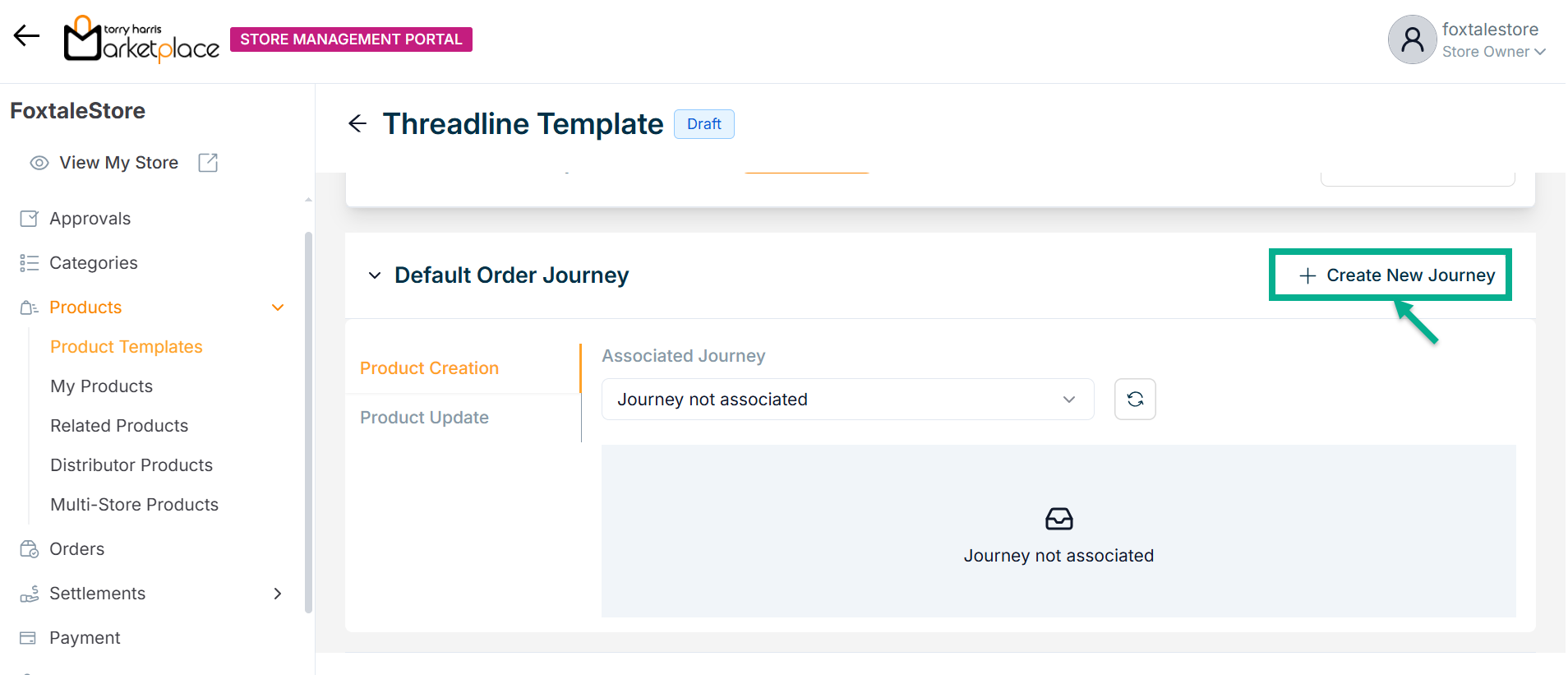
- Click Create New Journey from Product Templates menu to create a new journey.
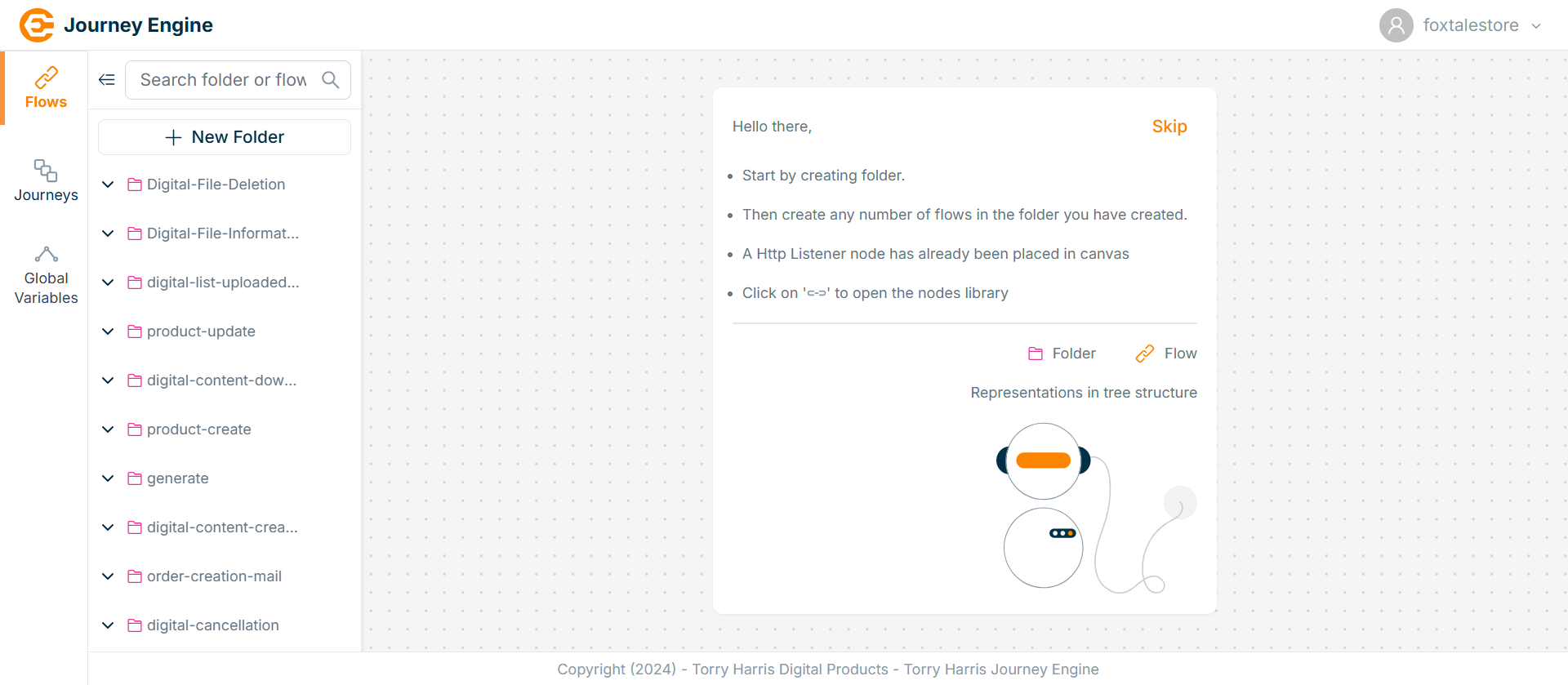
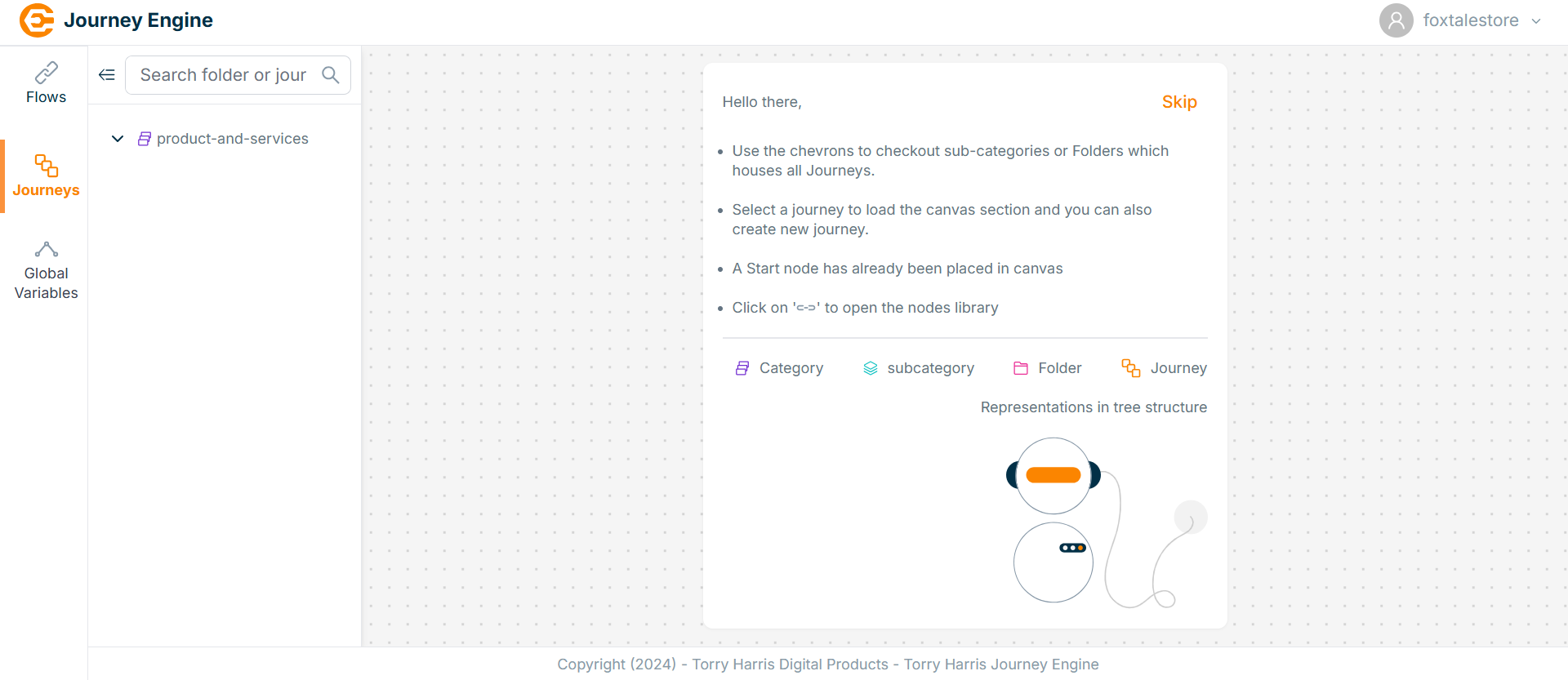
The Journey Engine appears as shown below.
Logging out from the Journey Engine
- Click the Store Name present in the top right corner.
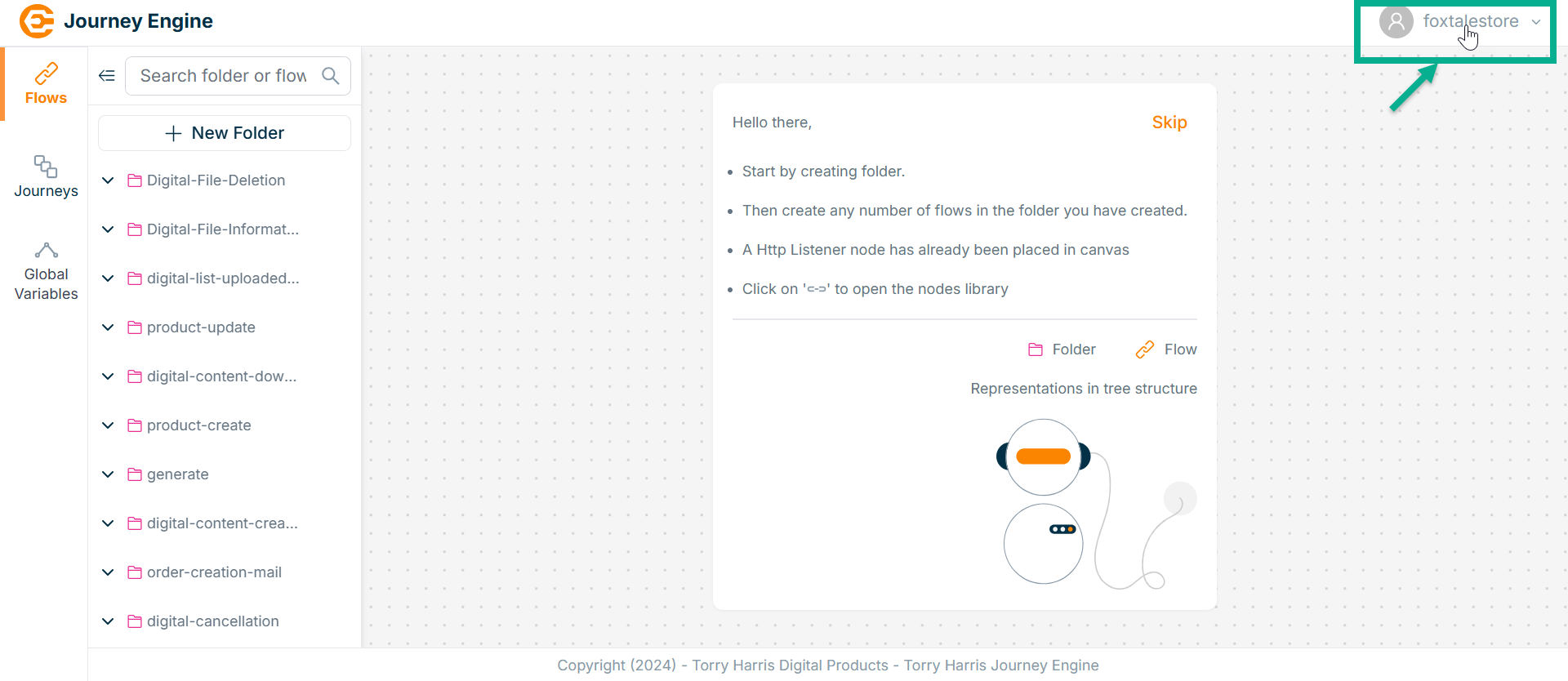
On clicking the Store Name, the drop-down appears as shown below.
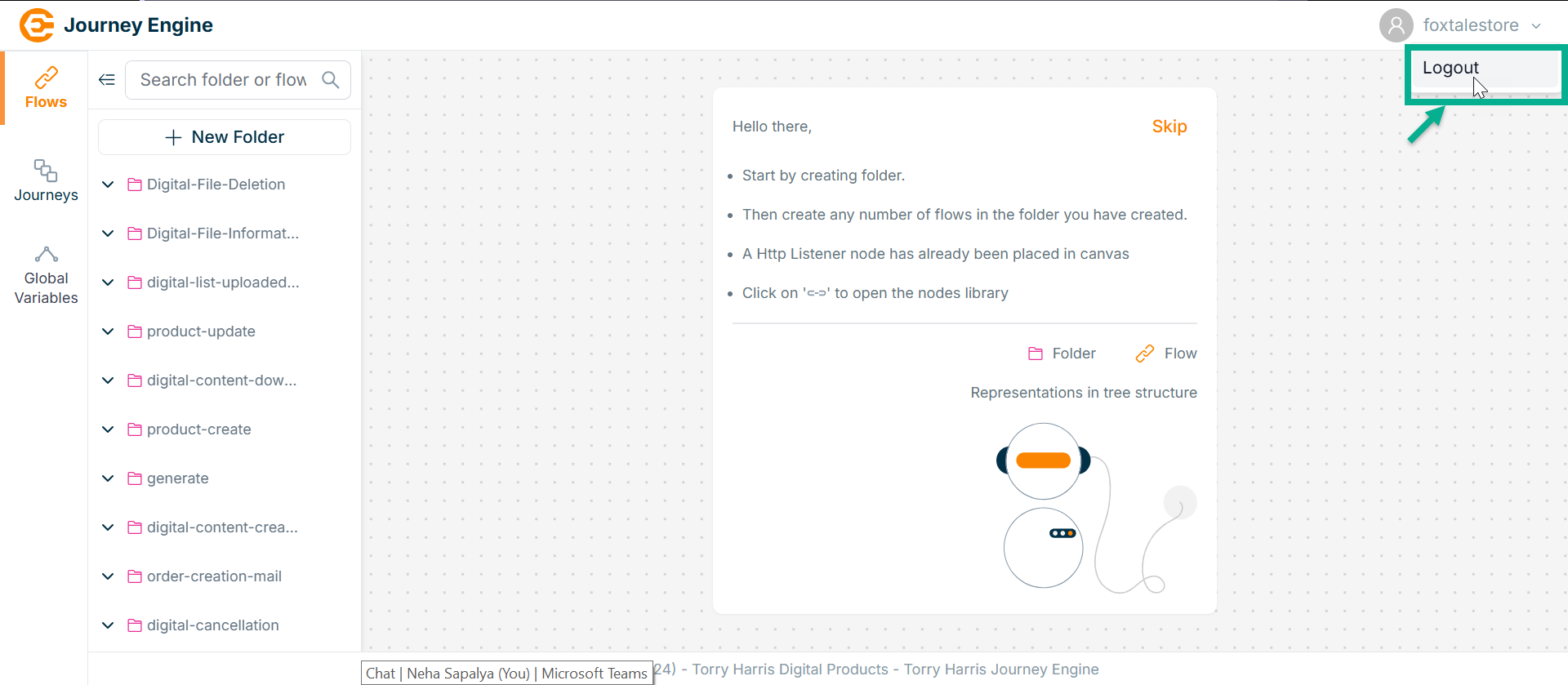
- Click Logout.
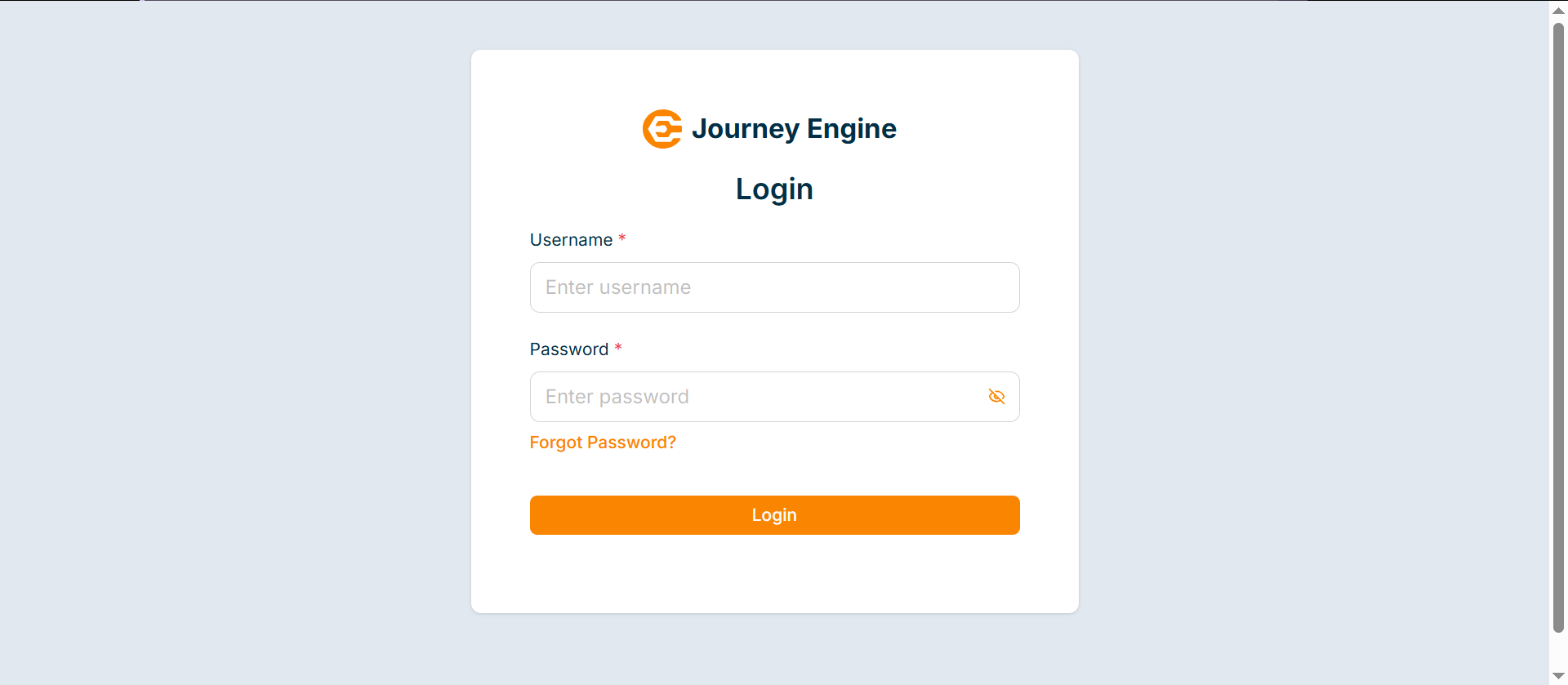
Upon successful logout, the application will be directed to the login screen, as shown below.
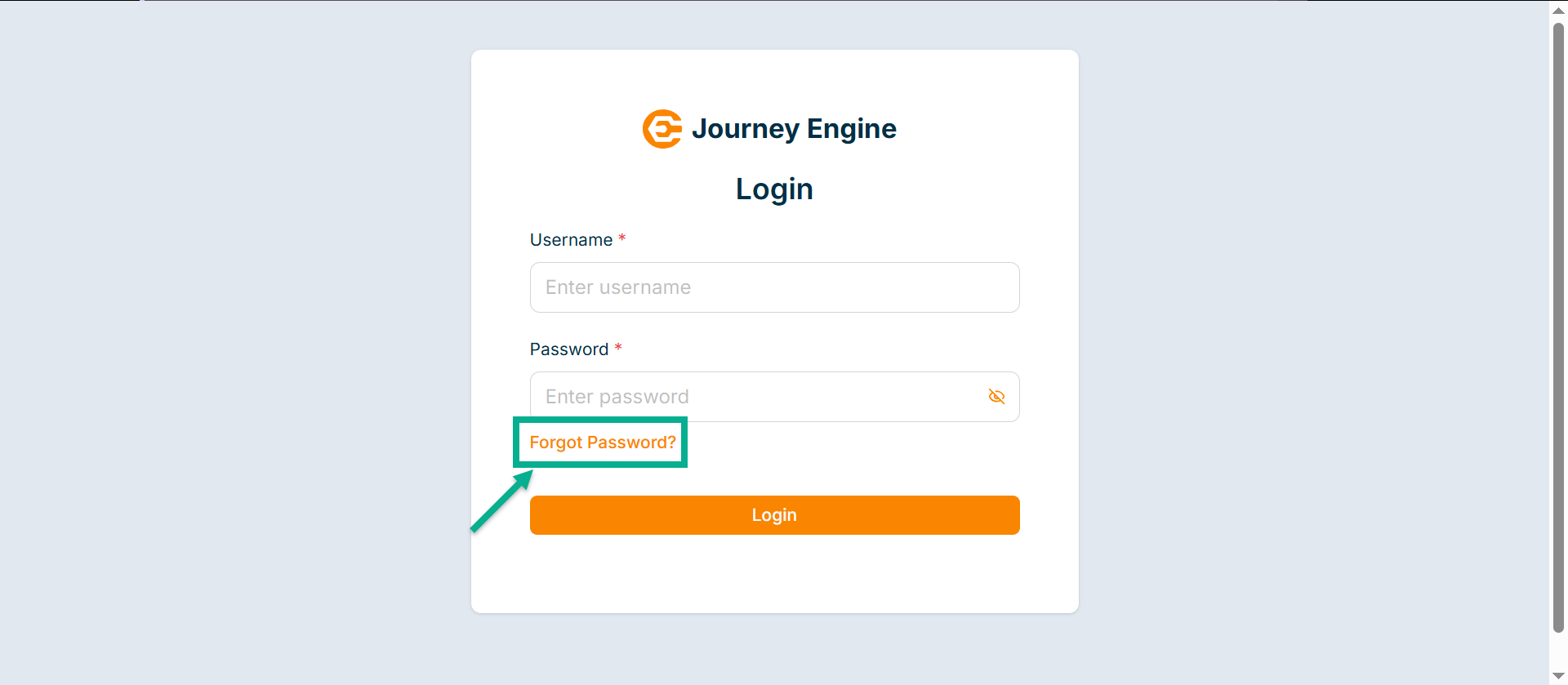
Recovering Password in the Journey Engine
- Click the Forget Password from the login page.
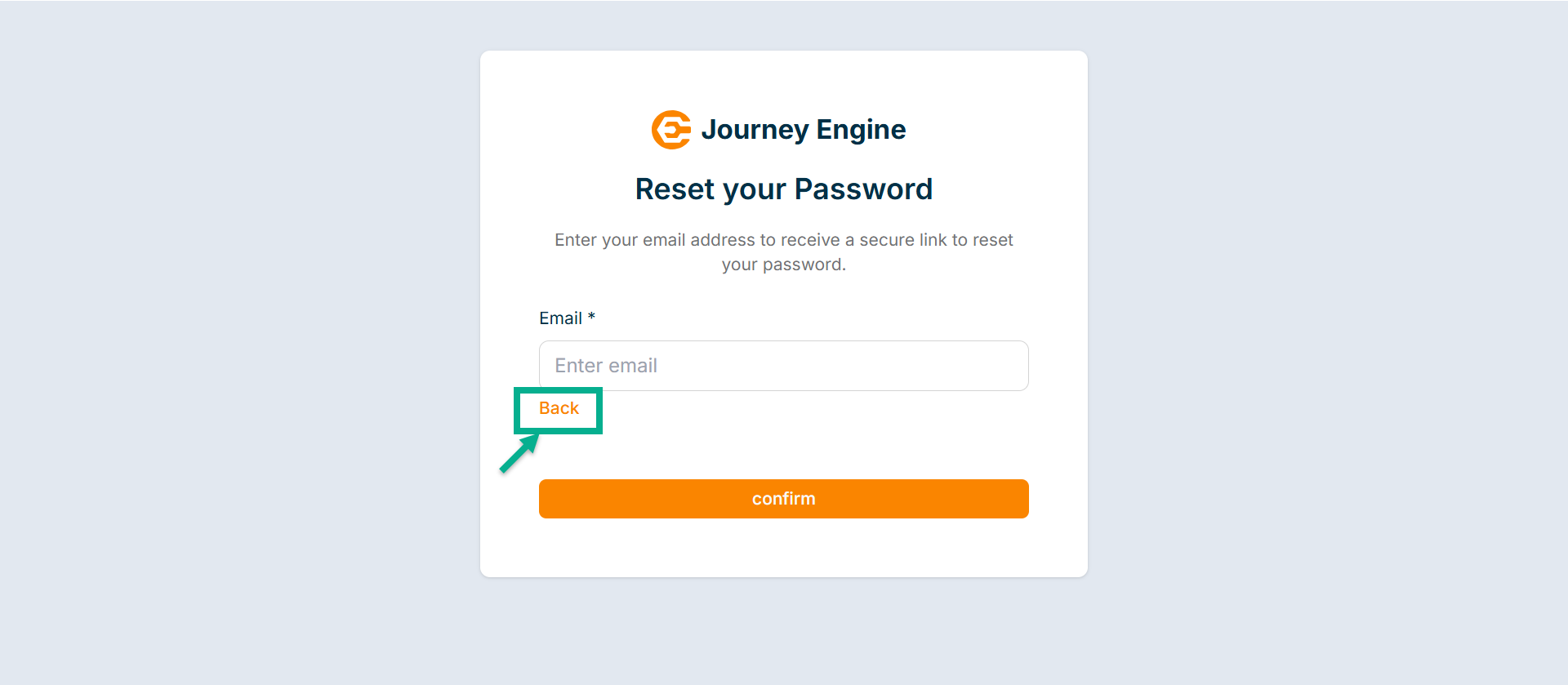
The screen appears as shown below.
Click on Back button to return to the login screen.
-
Enter the Email.
-
Click Confirm.
On confirming, the screen appears as shown below.
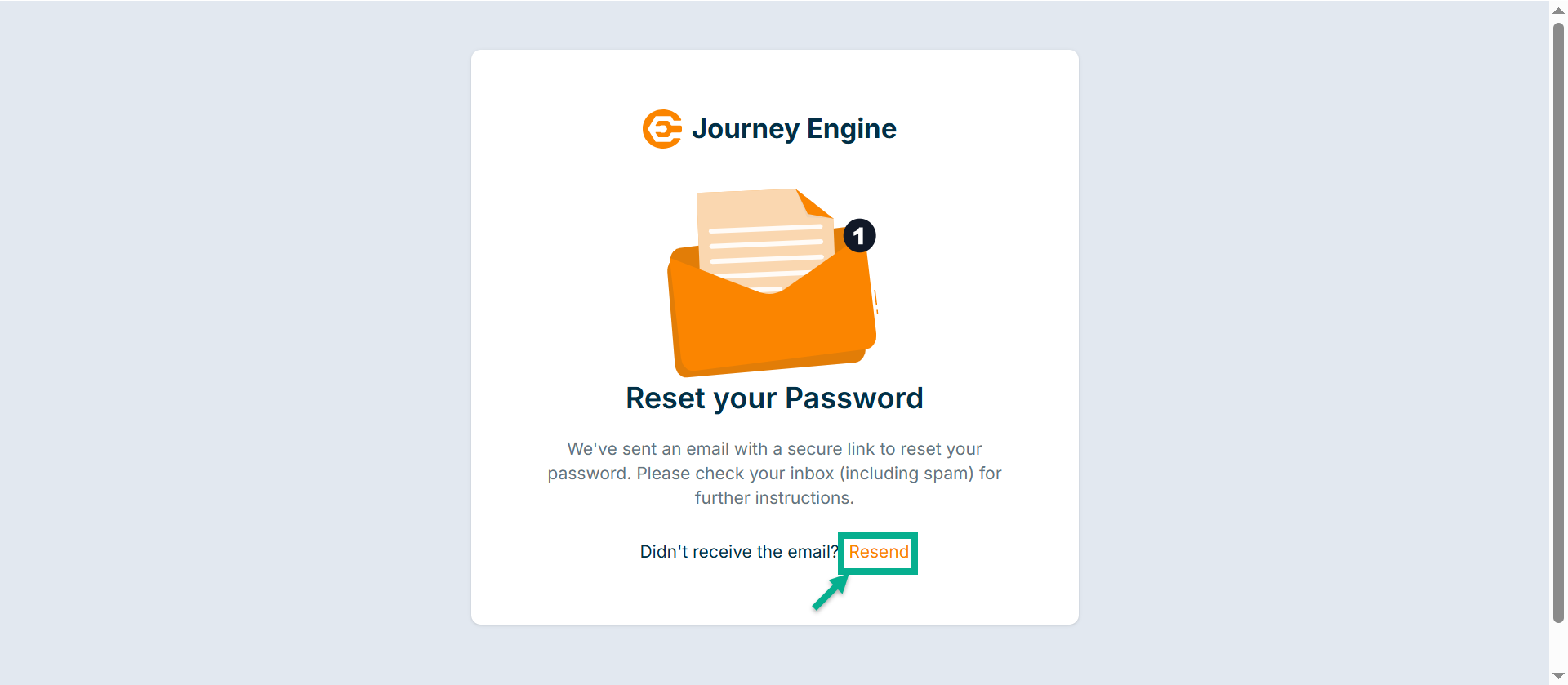
Click the Resend button if you didn’t receive the email.
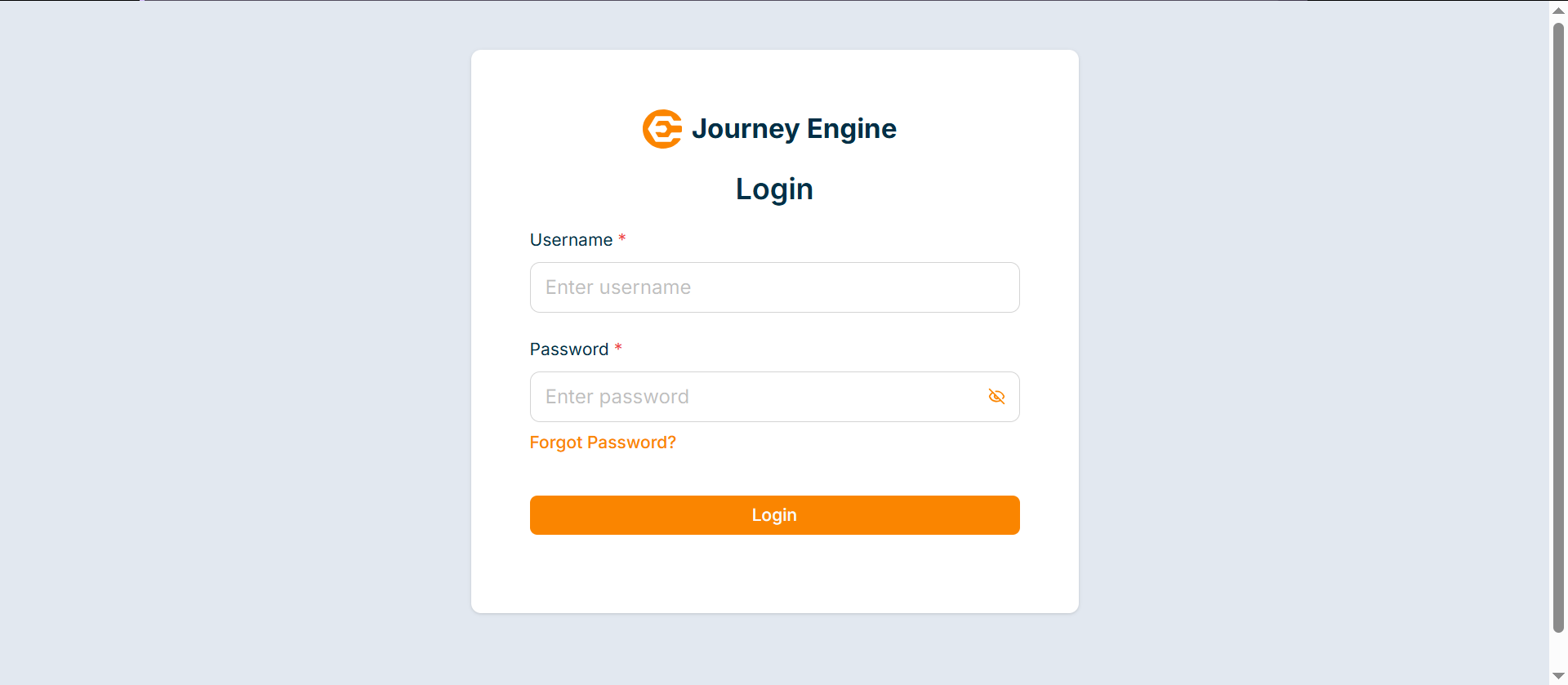
Login to the Journey Engine
-
Enter the Username and Password.
-
Click Log In.
The Journey Engine screen appears as shown below.